HTML5 App Development: Web Apps and PWAs That Feel Native
How we build web apps and PWAs that feel native, work offline and install to the home screen, and where the platform limits sit, especially on iPhone.
These days, HTML5 app development means building web applications that behave like apps. They load instantly on repeat visits, keep working on a weak connection, install to the home screen and respond to touch the way people expect. Most people call the result a progressive web app, or PWA.
A good web app reaches every device from one codebase, gets updates to users as soon as you deploy, and doesn’t need store approval. A careless one feels like a website pretending to be an app. Below we describe how we build the first kind, and where the platform limits are, especially on iPhone.
What we build with web technologies
- Installable PWAs for booking, ordering, loyalty and self-service, where sending people through an app store first would lose customers.
- Internal tools and field apps for teams that need something on their phones soon, without store accounts or device management.
- Web experiences that sit next to a native app, such as onboarding, campaigns and pages people share by link.
- Hybrid apps that wrap a web codebase in a native shell with Capacitor, which gives you a store presence and access to native plugins.
- Rebuilds of dated front ends in current HTML, CSS and TypeScript, including anything built for Flash or Silverlight, which browsers no longer run.
- Lightweight interactive experiences and casual games on canvas and WebGL.
Underneath, they use the same foundations as the rest of our web application development work: TypeScript, a modern framework such as React or Angular, and an API designed for the clients that call it.
What makes a web app feel native
Users don’t judge a web app by its technology. They notice when it hesitates, and that comes down to details like these:
- A service worker caches the app shell and static assets. Repeat launches render immediately, and only data has to come from the network.
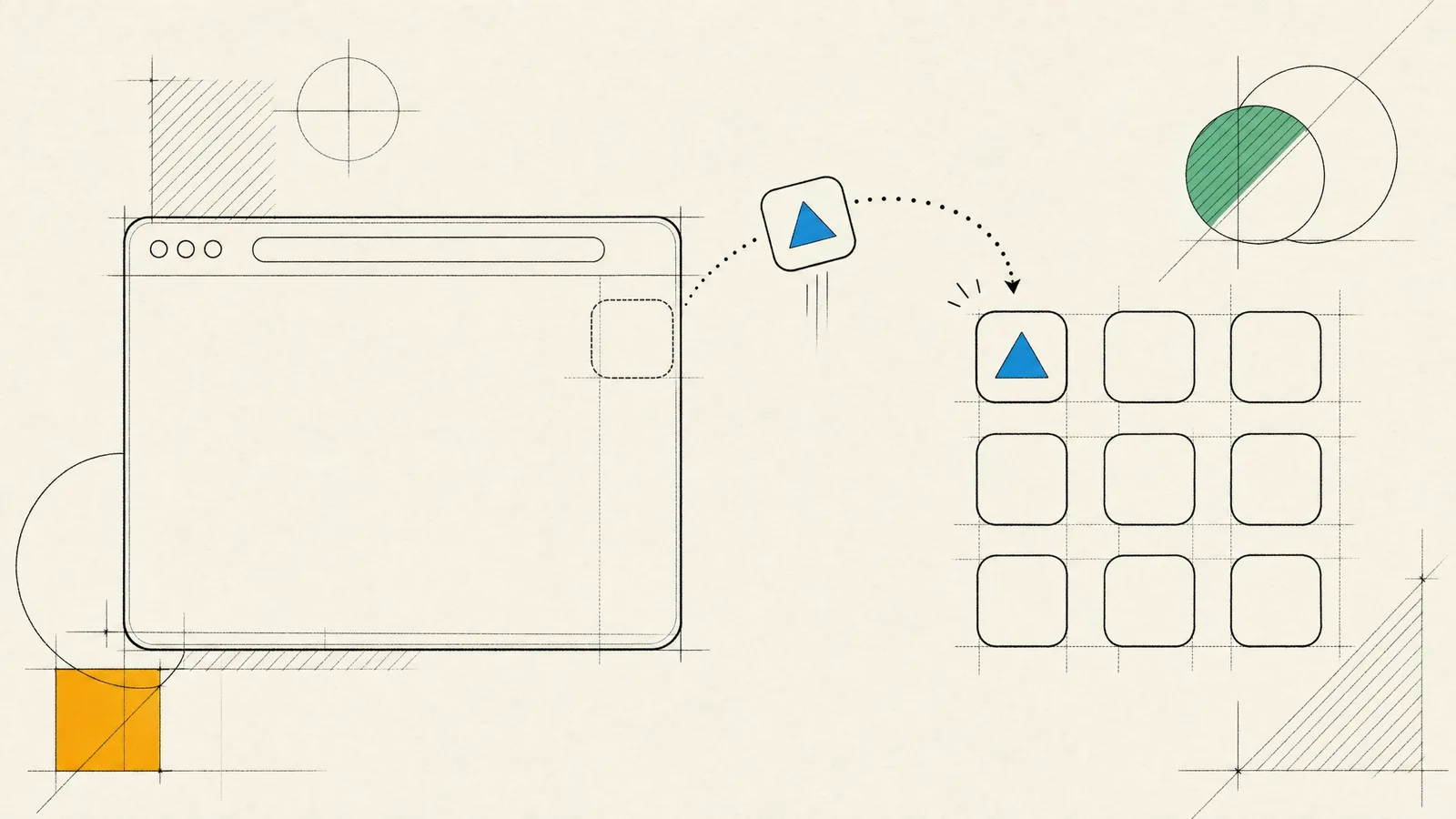
- A proper manifest, with name, icons, theme color and standalone display mode, gives the installed app its own icon and window without browser controls.
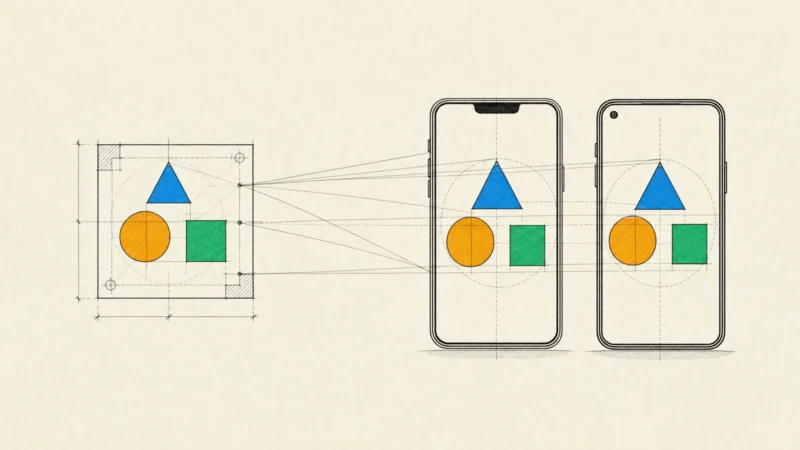
- The layout respects the device: safe-area insets around notches and home indicators, dynamic viewport units so collapsing toolbars don’t jolt the page, and inputs that stay visible above the keyboard.
- Interaction is designed for touch, with large targets, immediate feedback on tap and controlled overscroll. Where the browser supports the View Transitions API, navigation is animated, and reduced-motion settings are respected.
- Forms behave like native ones. The right input types and autocomplete attributes bring up the correct keyboard and let the browser fill in addresses and one-time codes, and passkeys replace passwords through WebAuthn.
- Performance has a budget. We measure JavaScript size and Core Web Vitals in CI and from real users, because nothing makes an app feel like a website faster than a heavy bundle on a mid-range phone.
Offline support that holds up
“Works offline” can mean anything from a friendly error page to a full local database. We decide feature by feature, then pick the strategy that fits:
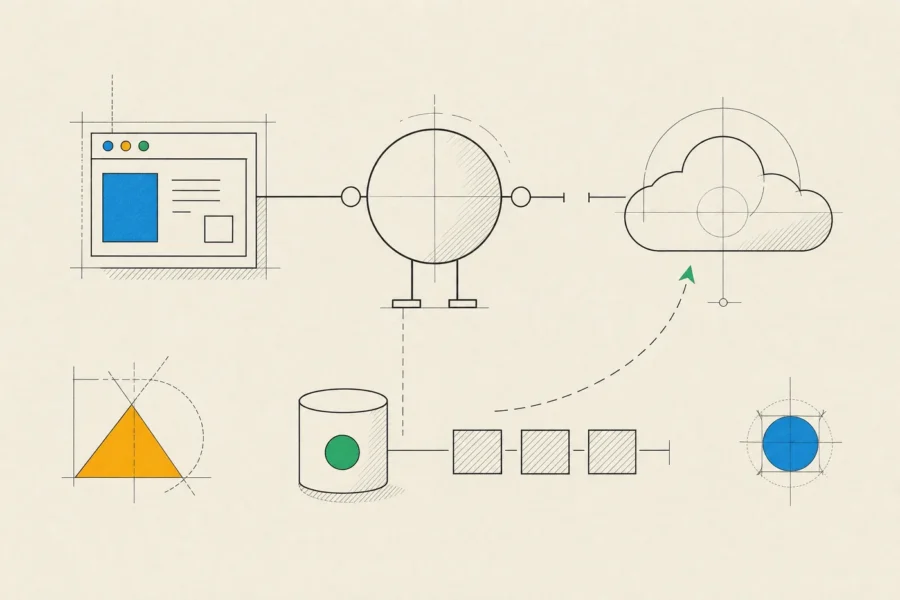
- Cache-first for versioned static assets, which never change once published.
- Stale-while-revalidate for content that can be briefly out of date, such as catalogs or articles.
- Network-first with a cached fallback for data that should be fresh when possible, such as balances or order status.
- IndexedDB for structured data people work with offline, plus a request for persistent storage where the browser supports it.
Offline writes are harder. We queue changes locally, mark them as pending and sync them once the connection returns. The Background Sync API can do that even after the page has been closed, but only in Chromium-based browsers. On iOS, syncing waits until the user opens the app again. Conflicts need a rule agreed in advance: the server wins, the latest change wins, or the user decides.
Updates need the same care. A service worker can keep serving an old version long after you’ve deployed a new one, so we build an explicit update flow that tells users a new version is ready and reloads cleanly. Workbox keeps the caching rules readable. Offline paths, flaky networks and storage eviction all get tested deliberately, on real devices.
Installability, and the limits on iOS
Installation works very differently on the two mobile platforms, and that difference shapes what a web app can promise.
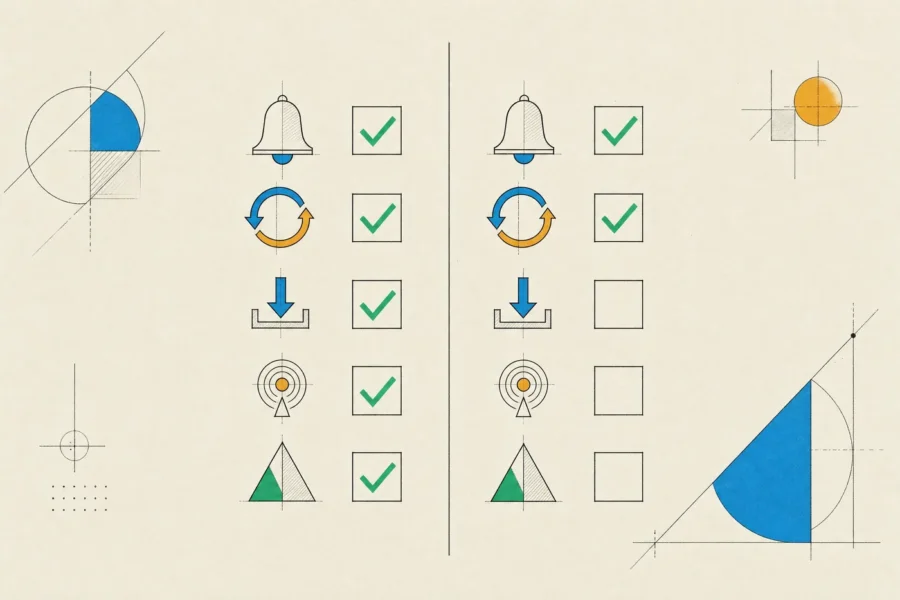
| Capability | Android (Chrome) | iPhone and iPad |
|---|---|---|
| Install prompt | Your app can offer installation from its own UI | No prompt; users choose Add to Home Screen from the Share menu |
| Push notifications | Supported | Supported only after the app is added to the Home Screen |
| Background sync | Supported | Not supported |
| Bluetooth, NFC and USB | Available through Web Bluetooth, Web NFC and WebUSB | Not available |
| Store distribution | Google Play, packaged as a Trusted Web Activity | App Store only inside a native wrapper that adds real functionality |
On iOS, browsers use Apple’s WebKit engine almost without exception, which makes Safari’s feature set the practical ceiling. Be careful with storage as well. Safari can clear data for sites the user hasn’t visited recently. Home Screen apps are treated more generously, but we still design as if local data can disappear, with the server as the source of truth.
PWAs can still work well on iPhone. The product just has to explain installation itself, and any feature that depends on push or background work needs a fallback.
When a web app is the right choice, and when it is not
A web app or PWA makes sense when:
- Reach matters more than store presence. People arrive from links, search, QR codes or ads and should be using the product within seconds.
- The product is content, forms and transactions, and its device needs are modest.
- You update often and don’t want every change to wait for review.
- You’re validating an idea before committing to two app stores, or building internal tools.
It’s the wrong choice if the product depends on Bluetooth, NFC, background location or reliable background processing on iPhone. The same goes if most of your users are on iOS and notifications are central to the product, or if the app stores are your main acquisition channel. For those cases we recommend a store app, often built from a single React Native codebase. Our overview of mobile app development compares the options side by side.
Hybrid apps built with Capacitor sit in between. They reuse a strong web codebase and add native plugins for push, biometrics and files, which suits content and form-driven apps well. On animation-heavy interfaces and platform feel they fall behind React Native and native code, so we mostly recommend them when a good web app already exists.
How we run an HTML5 app development project
In discovery, we look at the devices and browsers your audience actually uses and list the native capabilities the product needs. That list settles the choice between a PWA, a hybrid app and a store app before anyone writes code. Design is mobile-first, and installation, offline and update states are drawn as real screens instead of being left to engineering.
We build in TypeScript, with performance budgets enforced in CI. QA runs on real iPhones and Android phones as well as in desktop browser emulation, since Safari’s behavior is where most of the surprises come from. Accessibility follows WCAG, starting with semantic HTML. Security covers HTTPS everywhere, a content security policy, careful token storage and regular dependency audits.
A typical team is a business analyst, a designer, frontend and backend engineers and a QA tester. Iterations are short, and each one ends with a deployable build. You get the code in your repository, the deployment pipeline and, where it applies, the store packaging and listings. Since a web app can be deployed at any moment, we agree on a release process with you rather than letting production drift. Our notes on frontend development go deeper into the interface engineering.
Frequently asked questions
Is a PWA cheaper than a native app?
Usually, since you have one codebase and no store release process. It stops being cheaper if the product later needs capabilities the web can’t provide on iOS and you end up building the app anyway. That’s why we check that list first.
Can a PWA be listed in the App Store and Google Play?
On Google Play, yes, packaged as a Trusted Web Activity. On the App Store, only inside a native wrapper that adds genuine app functionality, because Apple rejects apps that are little more than a website.
Do web push notifications work on iPhone?
Yes, once the user has added the web app to the Home Screen, and only if the app asks for permission after a tap. That extra step is a real barrier, so plan email or SMS as a fallback for anything important.
Will our web app work offline?
If it’s designed to. We decide feature by feature what has to work offline, what can be read-only and what needs a connection, then design each of those states explicitly.
Can you replace our old Flash or Silverlight application?
Yes. Modern browsers no longer run those runtimes, so the application has to be rebuilt. We often keep the backend and data, rebuild the interface in modern HTML and TypeScript, and use the rebuild to fix what users disliked about the old one.
If you want an app that people can open from a link today, send us the list of device features your product needs. We’ll check it against what browsers support on iPhone and Android, and say plainly if a web app will be enough.